Understand the installed configuration
Resolution, width, options, interfaces, daily volume and environment provide the baseline for comparison.
Verify print workflows
Templates, drivers, commands and connections should be reproduced or adapted on a pilot configuration.
Plan continuity
Scheduling, available consumables and backup stations help reduce operational risk during replacement.
Points to validate
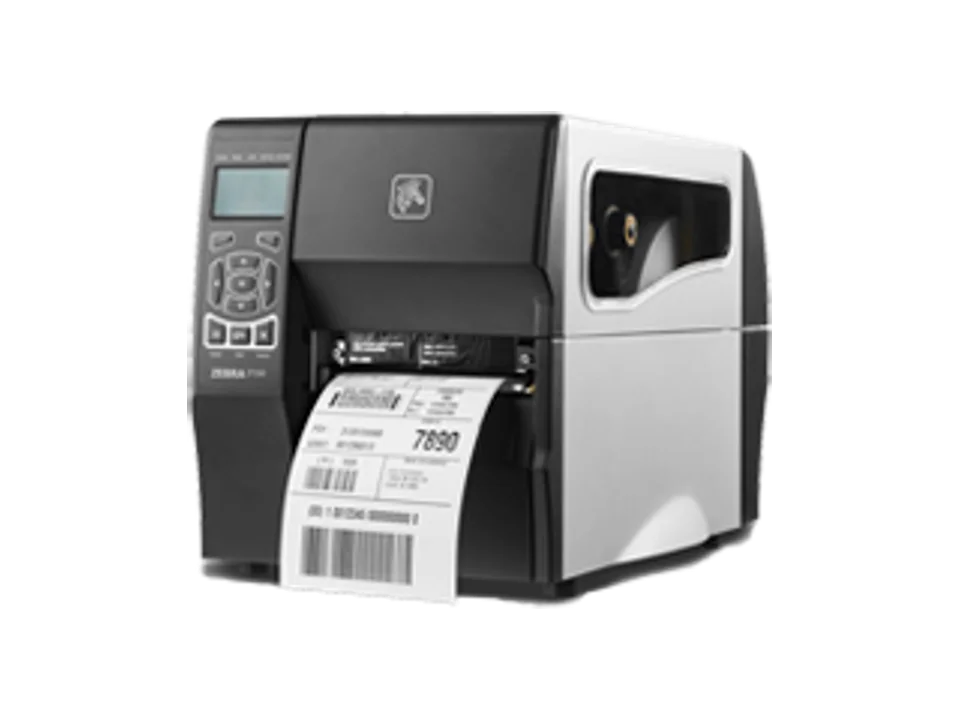
- Accurate inventory of the installed ZT230
- Validation of media and printing software
- Progressive rollout with a pilot configuration
Frequently asked questions
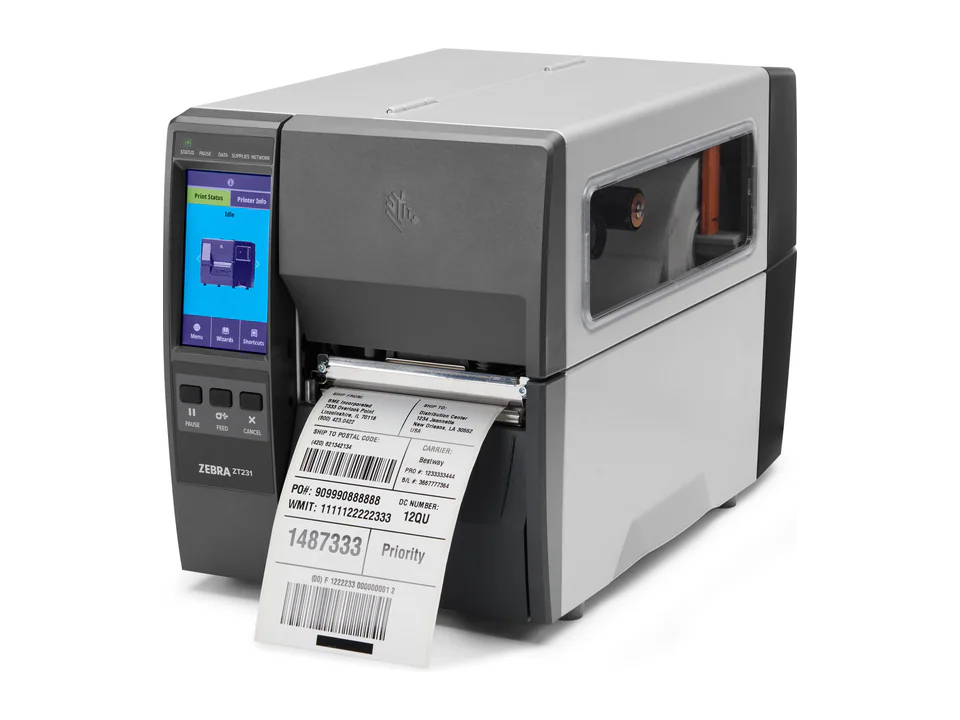
Is ZT231 always configured like an existing ZT230?
No. Options, interfaces and resolutions must be compared against the specific installed configuration.
Should existing templates be tested?
Yes. A test validates dimensions, fonts, barcodes, commands and settings before production use.