AIDC printing
Industrial and Desktop Label Printers in Morocco
Compare Zebra and Honeywell ranges for product, carton and shipping labels. Selection starts with the label and workstation, not simply the number of prints per day.
Quick answer
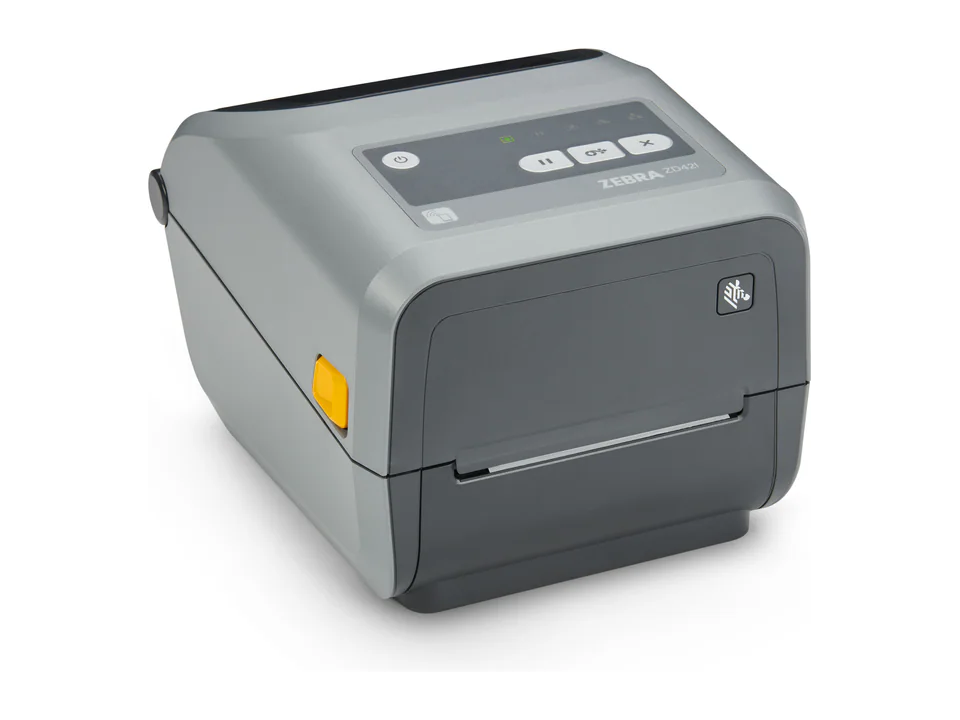
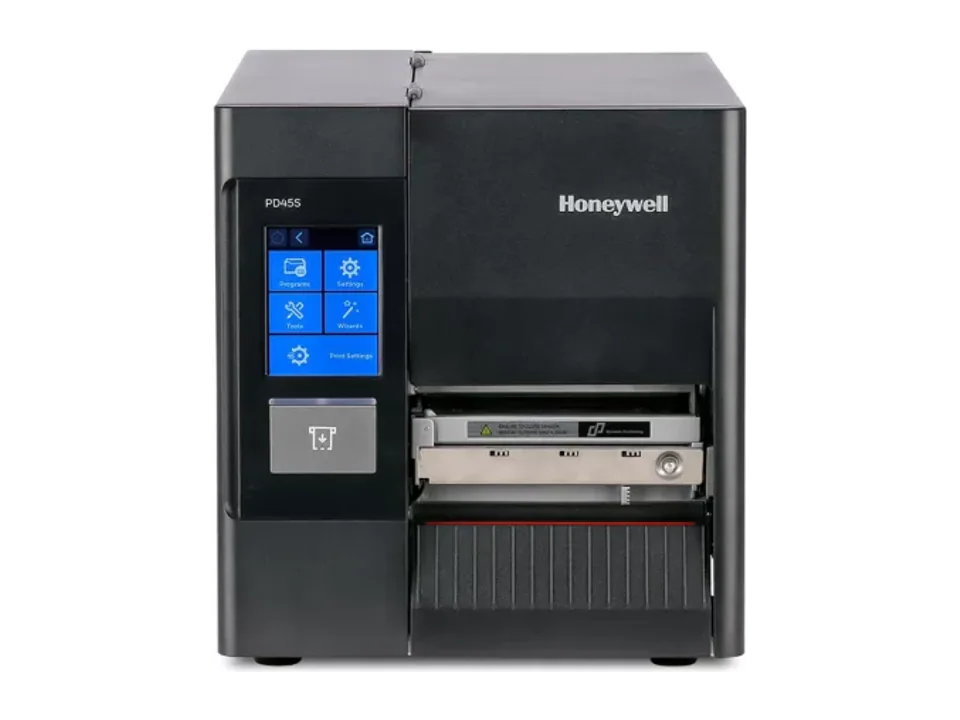
For a fixed warehouse or production station, compare an industrial printer such as the Zebra ZT231 or Honeywell PD45 / PD45S. For a counter, consider a desktop range; for printing beside a parcel while moving, consider a mobile range. Then validate media, printable width, resolution and the business application. The catalogue does not confirm stock or guarantee prices.
See the selection criteria15 results
Catalog results
Zebra Technologies Legacy model
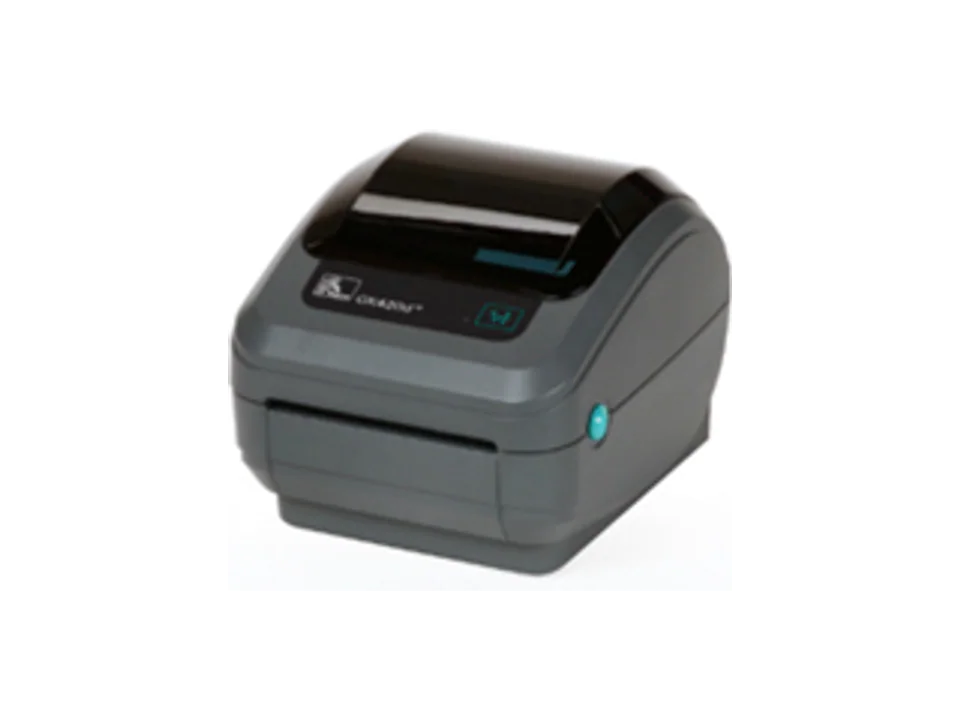
Zebra GK420d / GK420t
Legacy desktop range documented to make replacement easier.
Zebra Technologies Legacy model
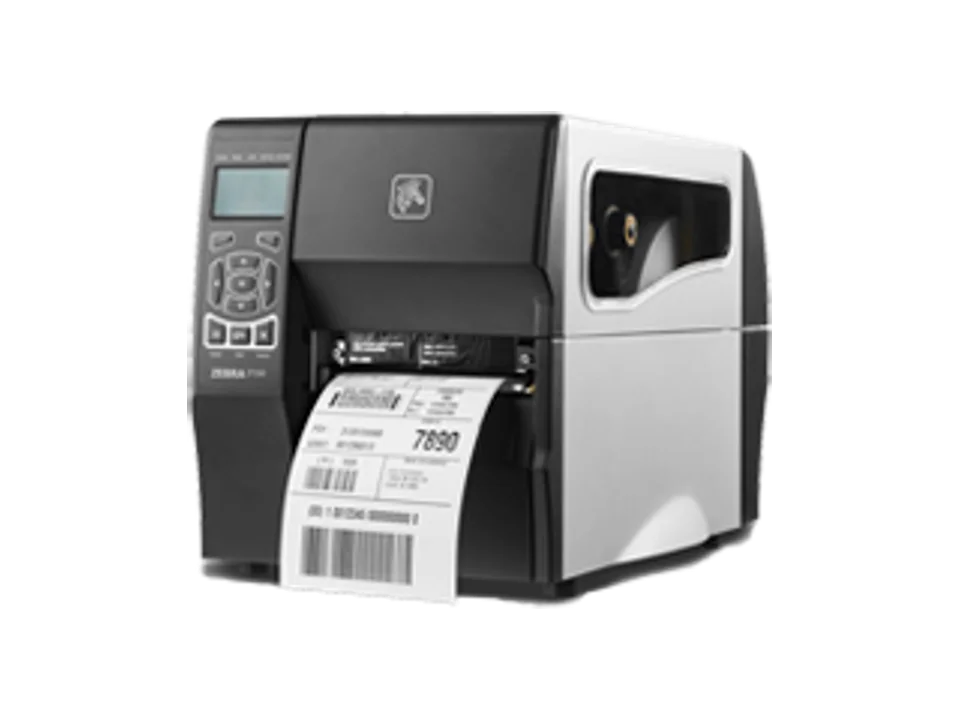
Zebra ZT230
Earlier industrial printer with a migration path to the ZT231.
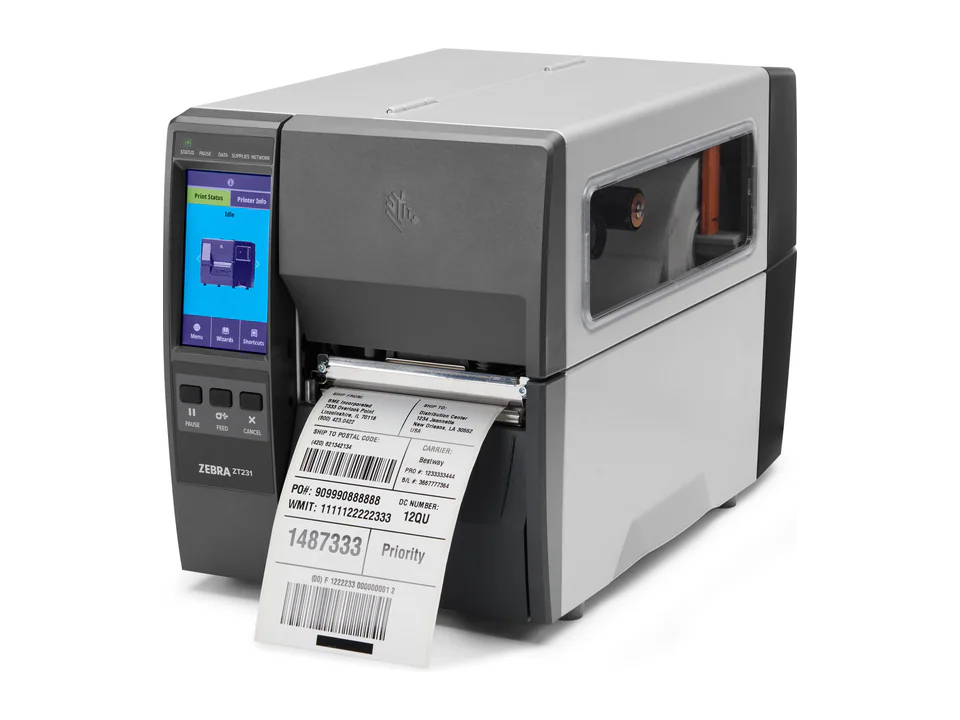
Zebra Technologies Current range
Zebra ZT231
Accessible industrial printer for regular print volumes.
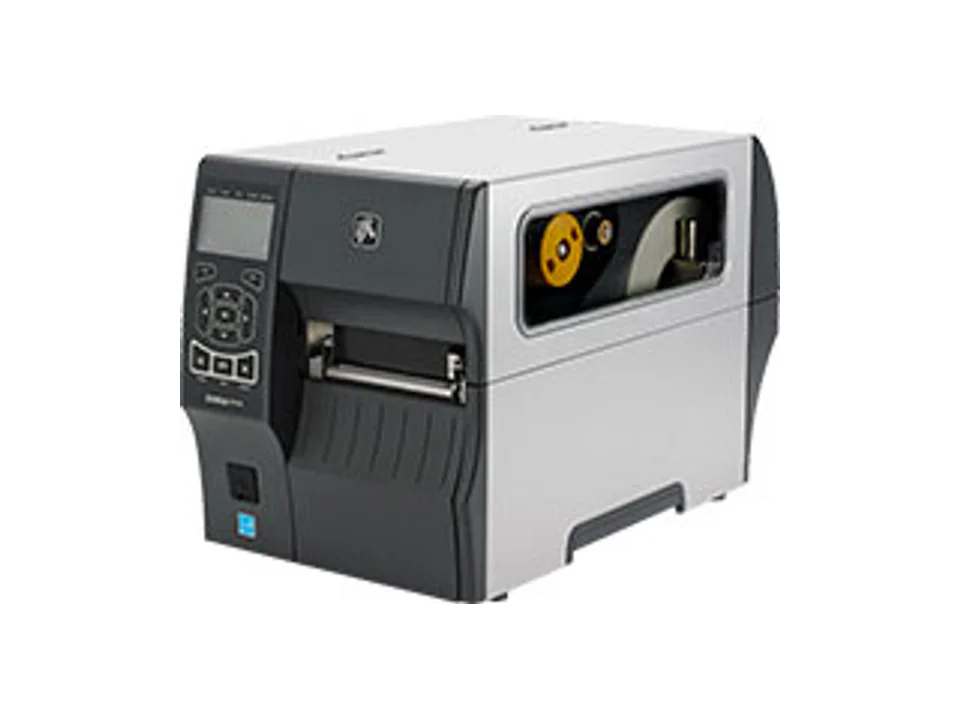
Zebra Technologies Legacy model
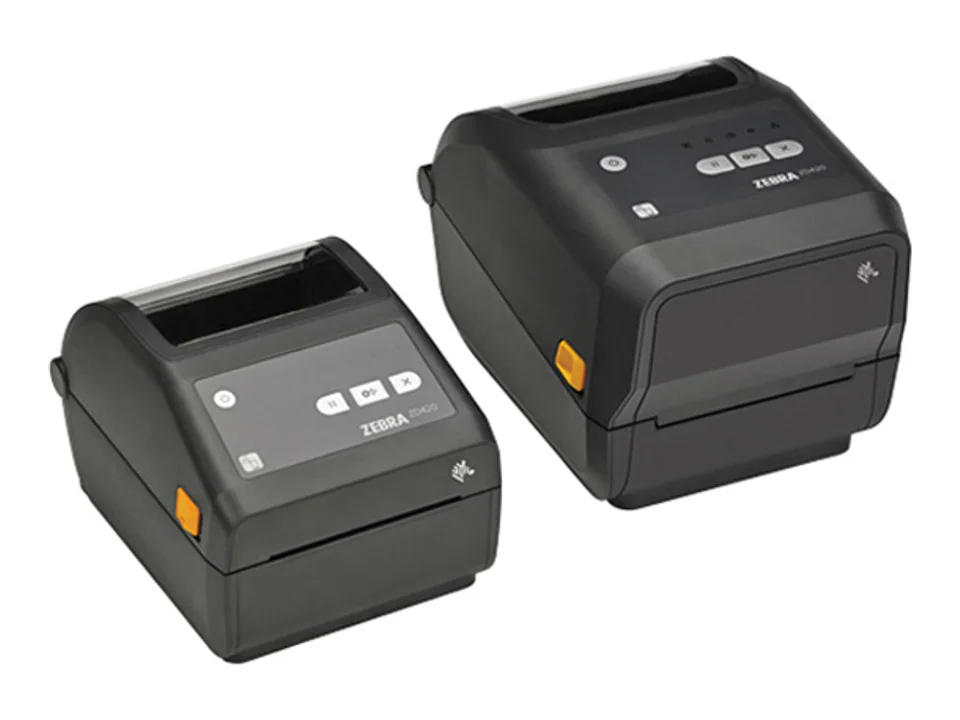
Zebra ZT410 / ZT420
Legacy industrial series documented for replacement projects.
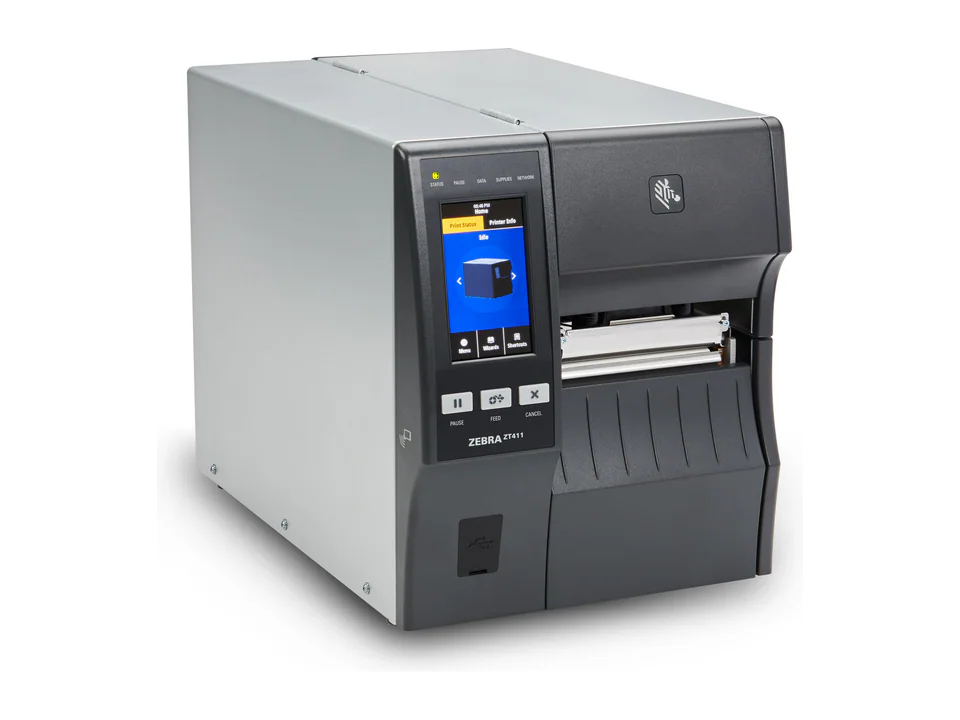
Zebra Technologies Current range
Zebra ZT411 / ZT421
Configurable industrial series for demanding labeling work.
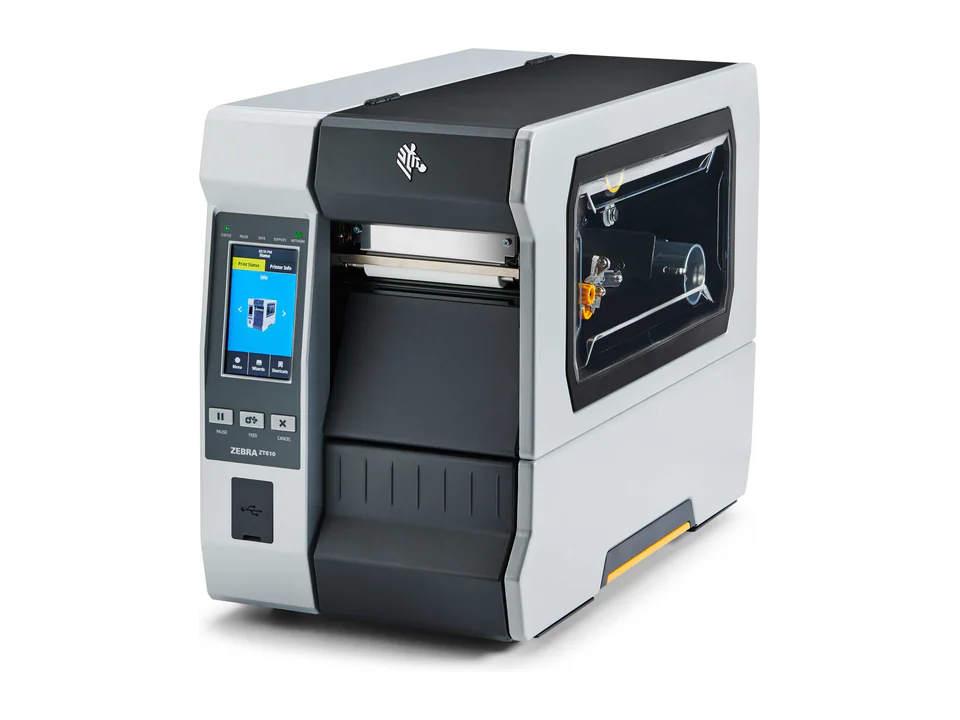
Zebra Technologies Current range
Zebra ZT610
Robust industrial printer for business-critical environments.
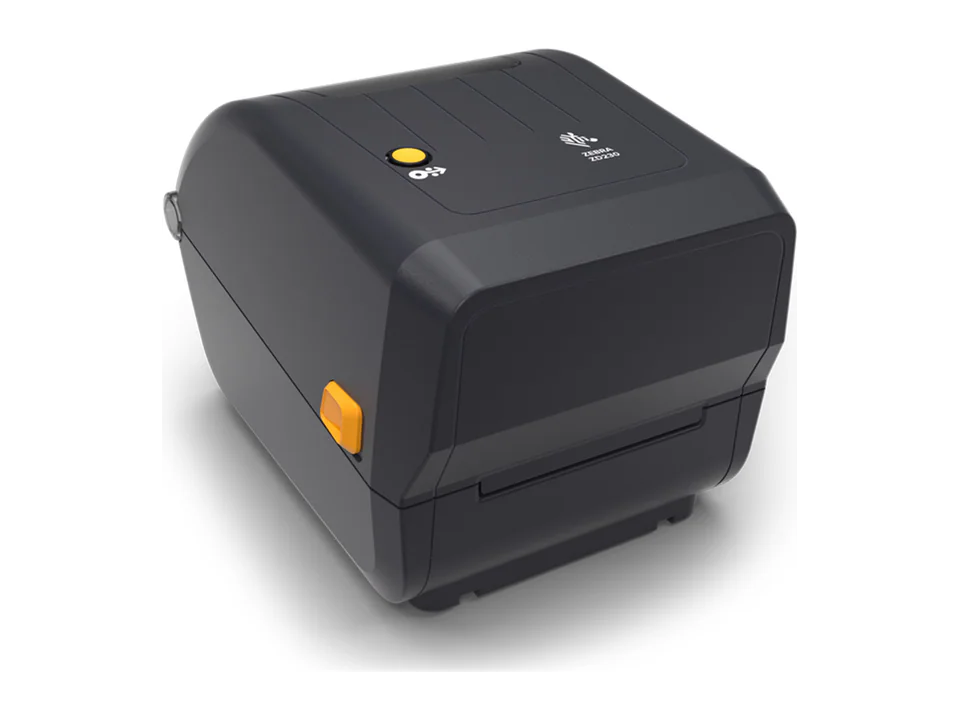
Zebra Technologies Lifecycle varies
Zebra ZD220 / ZD230
Essential desktop printers for straightforward labeling needs.
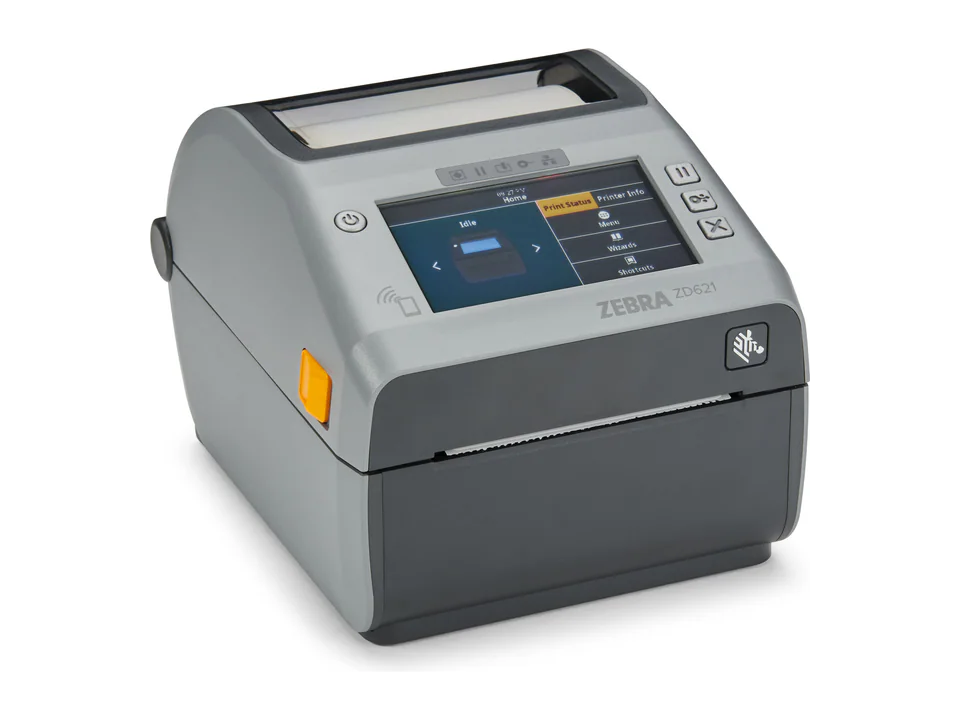
Zebra Technologies Current range
Zebra ZD621
Advanced desktop printer for demanding, configurable workflows.
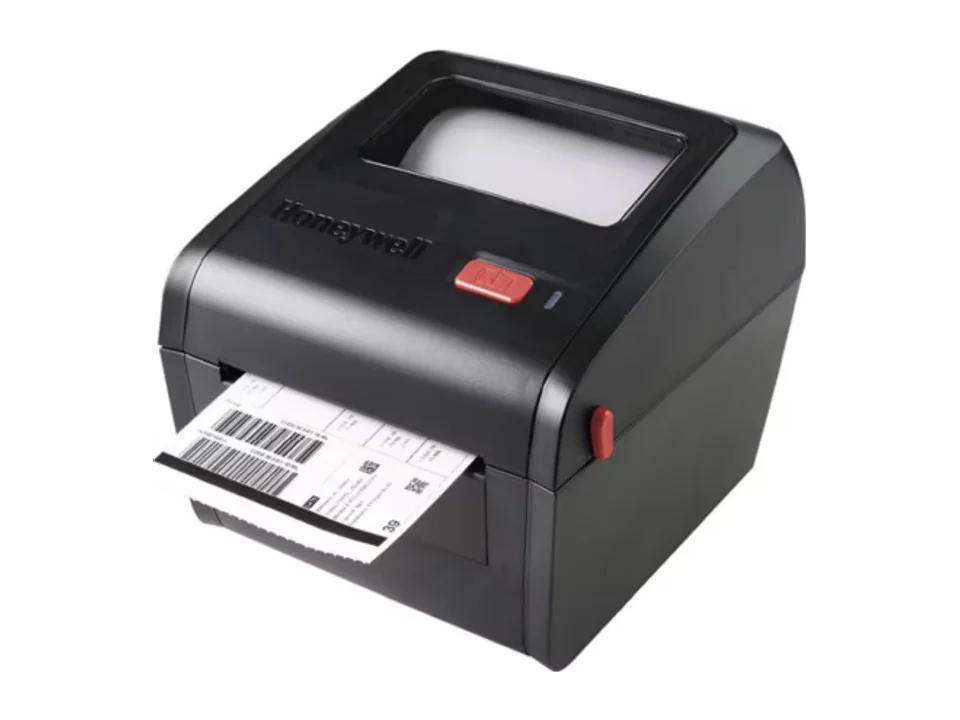
Honeywell Lifecycle varies
Honeywell PC42d / PC42t
Essential desktop printers in direct-thermal or thermal-transfer formats.
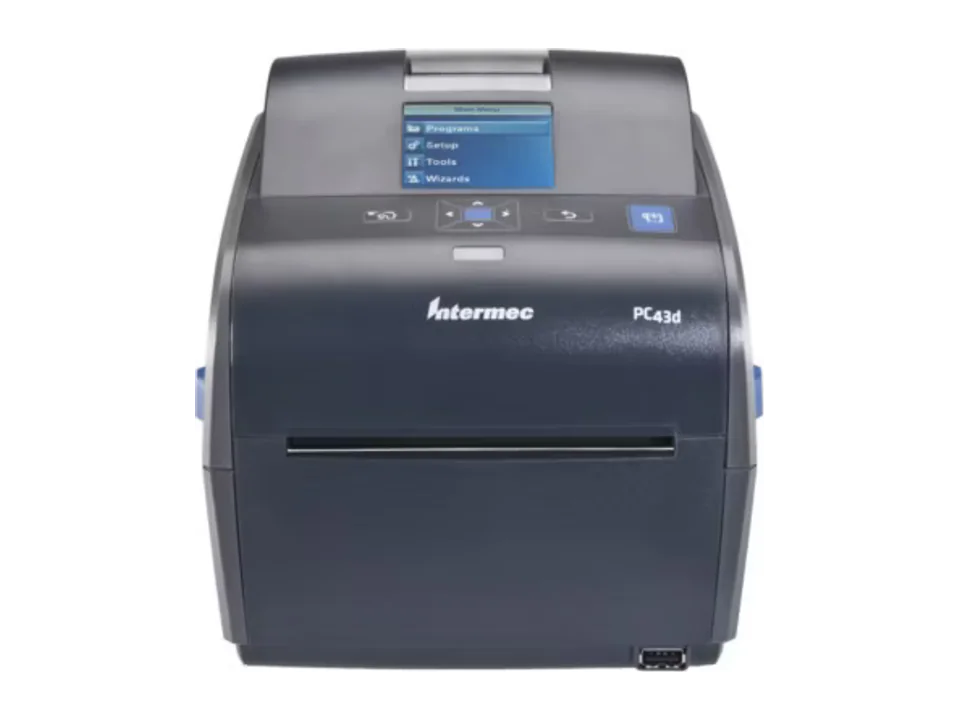
Honeywell Legacy model
Honeywell PC43d / PC43t
Earlier desktop range documented for maintenance and fleet assessment.
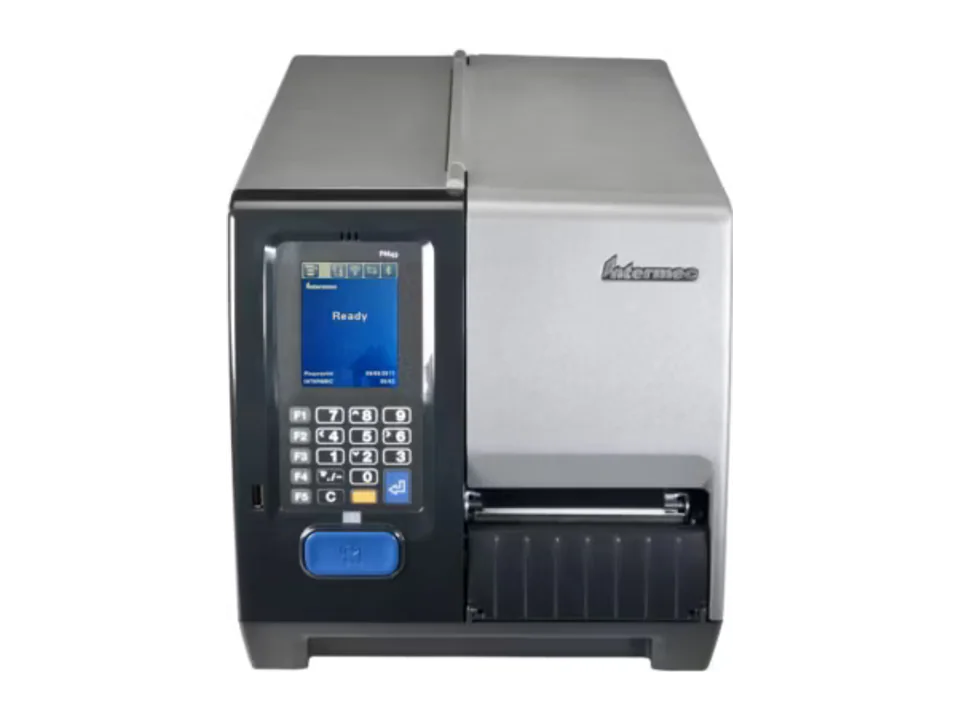
Honeywell Legacy model
Honeywell PM43 / PM43c
Earlier industrial printers documented for installed-fleet assessment.
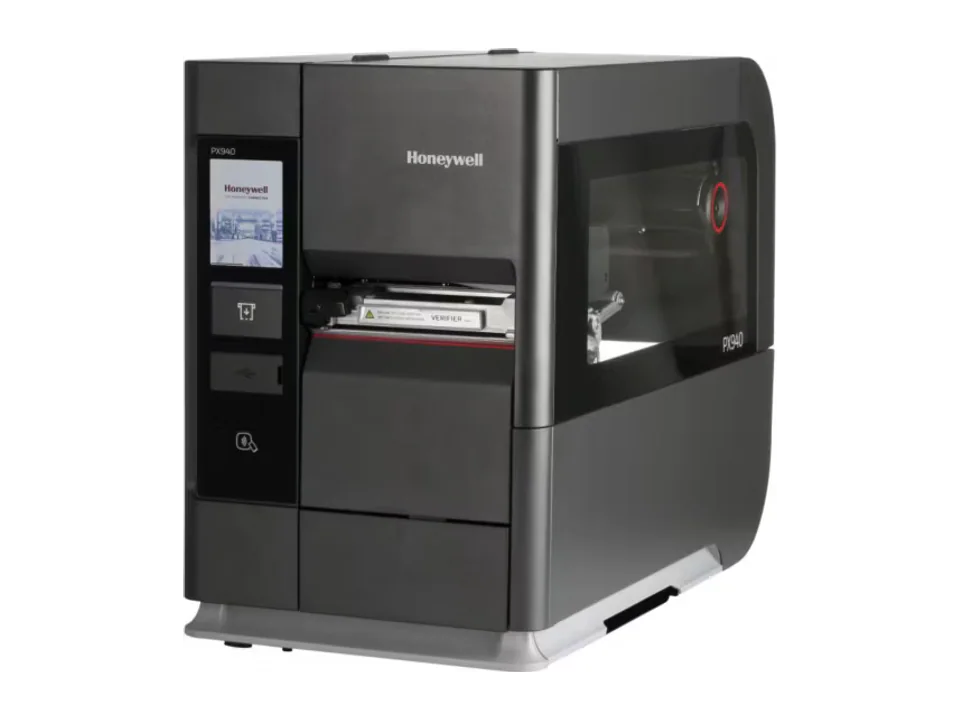
Honeywell Current range
Honeywell PX940
Industrial printer focused on precision and verification, depending on version.
No products match these criteria.
Industrial, desktop or mobile: start with the workstation
This selection covers thermal label and barcode printers, not office A4 printers or large-format printing equipment. Describe the actual workload: small batches throughout the day, a concentrated shipping batch or production across several shifts. Compare available space, roll access and acceptable interruptions too. An industrial designation alone does not establish protection against dust, water or chemicals.
Scroll horizontally if not all columns are visible.
| Workstation | Range to consider | Check before choosing |
|---|---|---|
| Counter or small fixed station | Desktop printer | Footprint, batch size and frequency of roll changes |
| Fixed shipping or production station | Industrial printer | Peak throughput, environment and access to consumables |
| Labelling at the point of activity | Mobile printer | Weight, battery needs, terminal connection and label format |
Choose the print method, label and ribbon together
Direct thermal uses heat-sensitive media without a ribbon and often suits a short-life shipping label. Thermal transfer uses a ribbon with compatible media and supports considering longer-life applications. Do not choose the ribbon separately: describe the material, product surface, storage duration and exposure together. Supply a sample label and the surface it will adhere to rather than simply requesting a durable label.
Media width is not the same as printable width
Zebra's ZT231 specification distinguishes a maximum print width of 104 mm from media width up to 114 mm. Accepting a roll does not mean the printer can print across its full width. The ZT231 is documented at 203 dpi with optional 300 dpi; Honeywell also lists 203 and 300 dpi configurations for PD45 / PD45S. Validate the choice using your actual layout: small text, barcode dimensions, margins and readability. Higher resolution alone does not repair a poorly prepared file.
Test label templates and application integration
Explain how the label is generated: label-design software, a business application, ERP or WMS. Specify the required interface and provide a test file without confidential data. Honeywell documents ZSim2 (ZPL-II), DPL and Fingerprint among the PD45 / PD45S command languages; that does not prove your existing templates, fonts or accessories will work unchanged. Confirm the exact configuration and network options before selecting it.
Agree an acceptance test before purchase
Suggested procedure, not a PDA.ma test result: print your smallest label and a batch representing a peak period, then check text, encoded data, contrast, barcode margins and position on the parcel. Read it with the terminal actually used and record failures, roll changes and interruptions. One successful scan is not a GS1 quality-verification report. If a customer requires that report, arrange a separate verification against their requirements and agree written acceptance criteria.
Prepare a quotation or repair request
Provide the layout, media dimensions, normal and peak volumes, interfaces, software and site constraints. Separate hardware from ribbons, labels, accessories and requested services so proposals can be compared. PDA.ma also assesses label-printer repair requests: provide the brand, model, fault and printhead condition. Feasibility, parts, cost and timing need confirmation after assessment; a catalogue entry is not a promise of availability.
- Attach a layout and specify the printed area, not just the roll width
- Describe peak batches, workstation count and consumable changes
- Have configuration, integration, availability and services confirmed in the quote
Frequently asked questions
Does every warehouse need an industrial printer?
Not necessarily. Compare peak throughput, batch duration, the environment and acceptable downtime. A busy fixed station, a small counter and a mobile operator have different requirements.
Does a thermal label printer need a ribbon?
Direct thermal does not: it uses heat-sensitive media. Thermal transfer does: the ribbon must suit the media. The exact printer configuration must support the selected method.
Can a Zebra ZT231 print across 114 mm?
Its manufacturer specification lists media width up to 114 mm but maximum print width of 104 mm. Check the printed area, margins and layout; those two measurements are not interchangeable.
Does PDA.ma offer label-printer repair?
PDA.ma assesses these requests. Provide the model and fault; diagnostic feasibility, parts, scope, cost and timing are confirmed before any accepted intervention.
Technical references
Planning an identification project?
Tell us about your workflow. Our team will recommend a suitable configuration.