Mobile computer guide

Zebra TC21/TC26 vs TC22/TC27: Migration Guide

Migration extends beyond the device: applications, accessories, network, scan engine and Android management must remain aligned.

Separate Wi-Fi and cellular needs

Store or warehouse operations may favour Wi-Fi, while field teams often require validated cellular connectivity.

Audit applications and accessories

Android versions, fleet management, handles, cases, batteries and docks should not be assumed to be interchangeable.

Deploy through a pilot group

A small test fleet confirms scanning, battery life, network performance and ergonomics before full replacement.

Points to validate

  • Wi-Fi or cellular choice based on workforce needs
  • Validation of Android, applications and accessories
  • Progressive migration after field testing

Frequently asked questions

Do TC21/TC26 accessories work with TC22/TC27?

Do not assume they do. Each accessory must be checked against the new terminal reference and configuration.

Why test the application before replacement?

Testing confirms Android compatibility, scanning, network, peripherals and fleet-management policies.
Related selection

Equipment to consider.

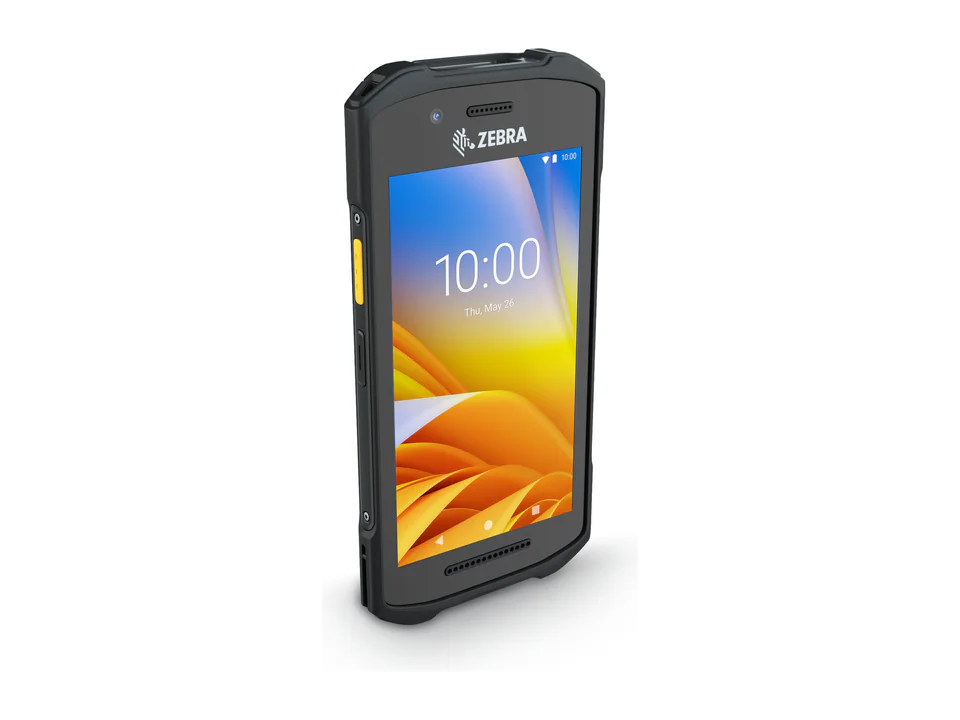
Zebra TC21 product photo.
Zebra Technologies Legacy model

Zebra TC21

Earlier-generation Wi-Fi mobile computer with guidance toward the TC22.

View product
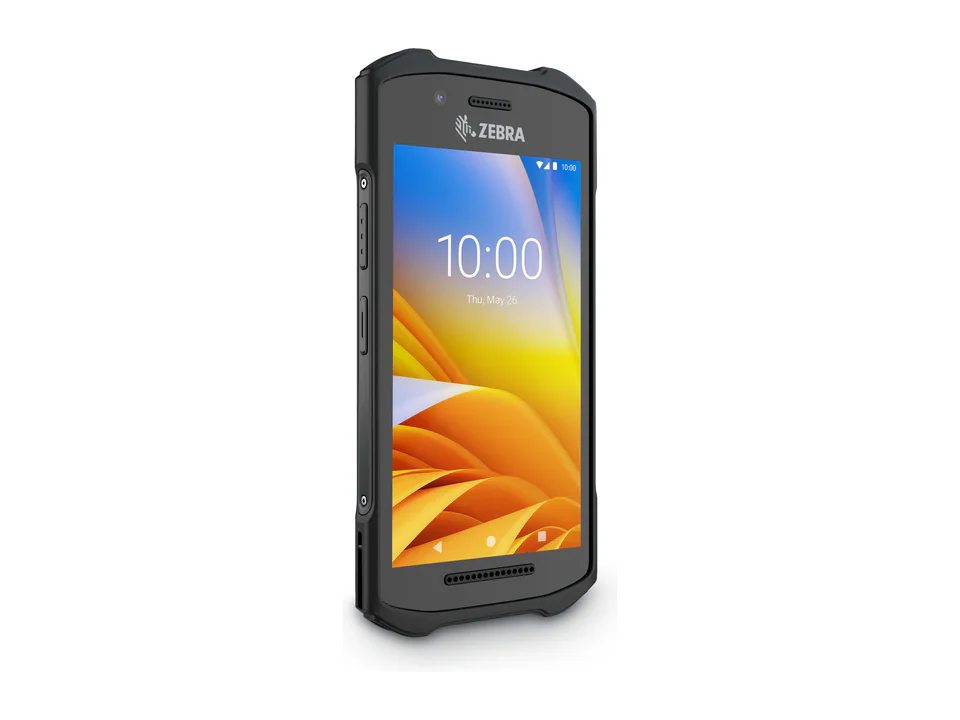
Zebra TC26 product photo.
Zebra Technologies Legacy model

Zebra TC26

Earlier-generation cellular mobile computer with guidance toward the TC27.

View product
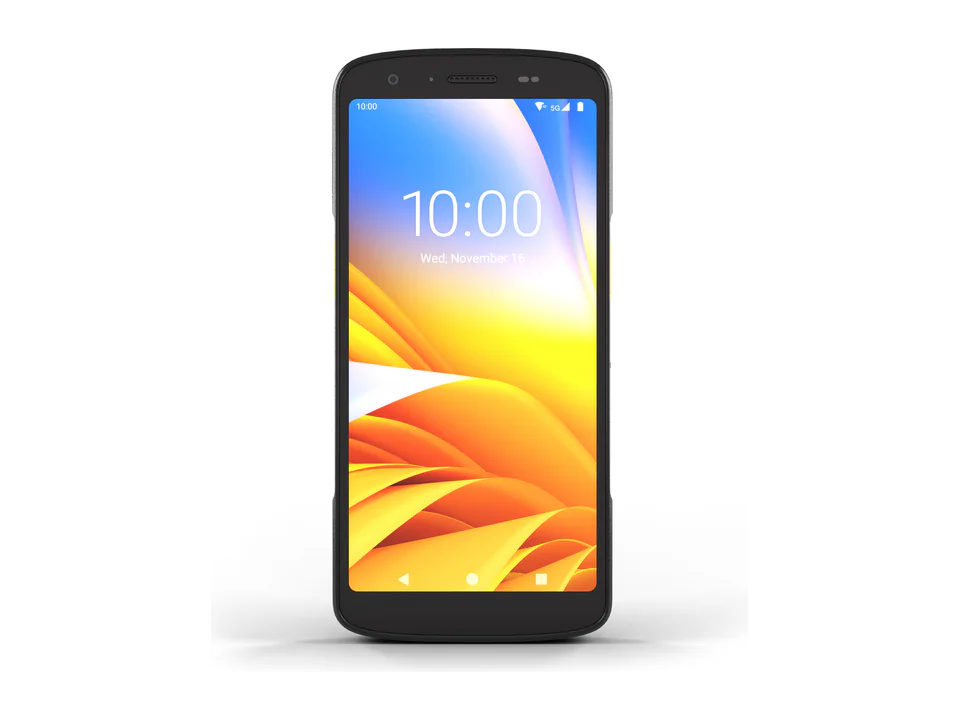
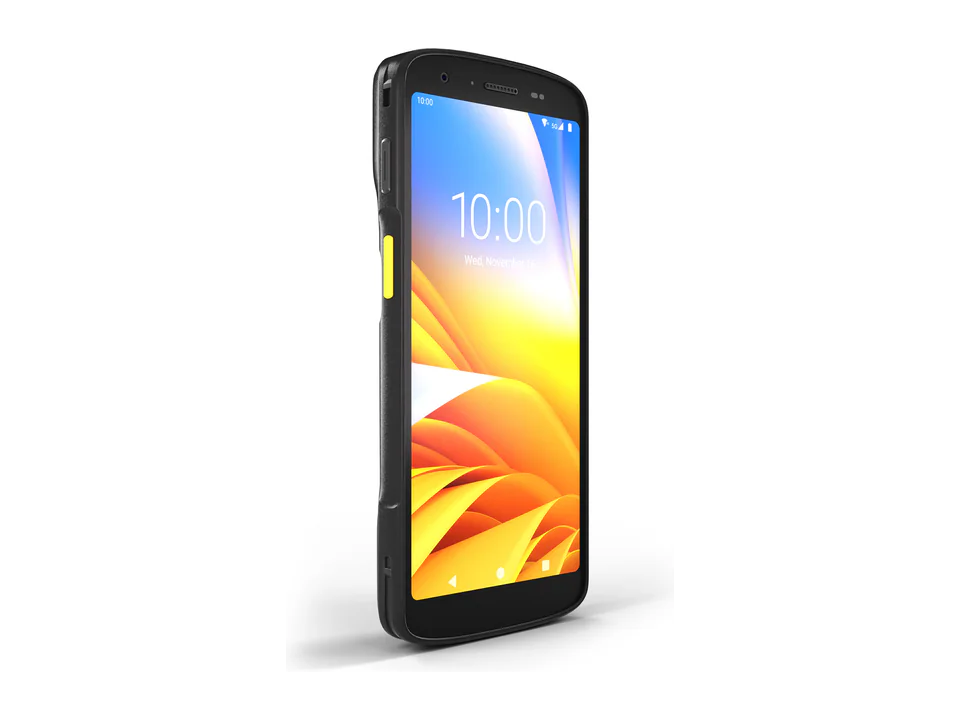
Zebra TC22 product photo.
Zebra Technologies Current range

Zebra TC22

Compact Wi-Fi mobile computer for indoor teams.

View product
Zebra TC27 product photo.
Zebra Technologies Current range

Zebra TC27

Compact mobile computer with field connectivity.

View product

Planning an identification project?

Tell us about your workflow. Our team will recommend a suitable configuration.

Request a quote