Match the right variants
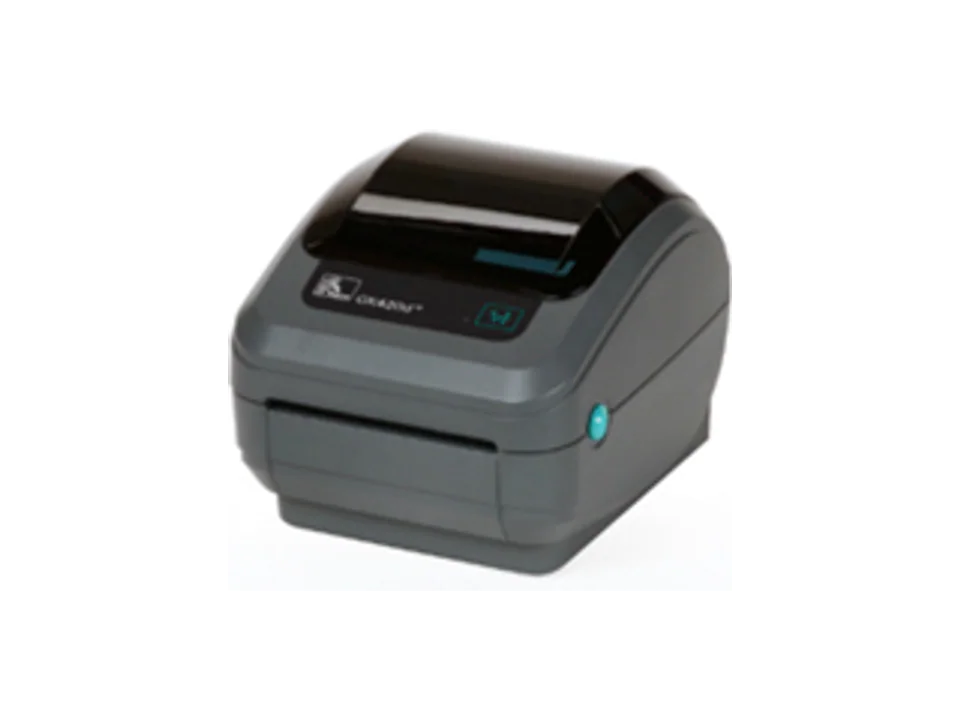
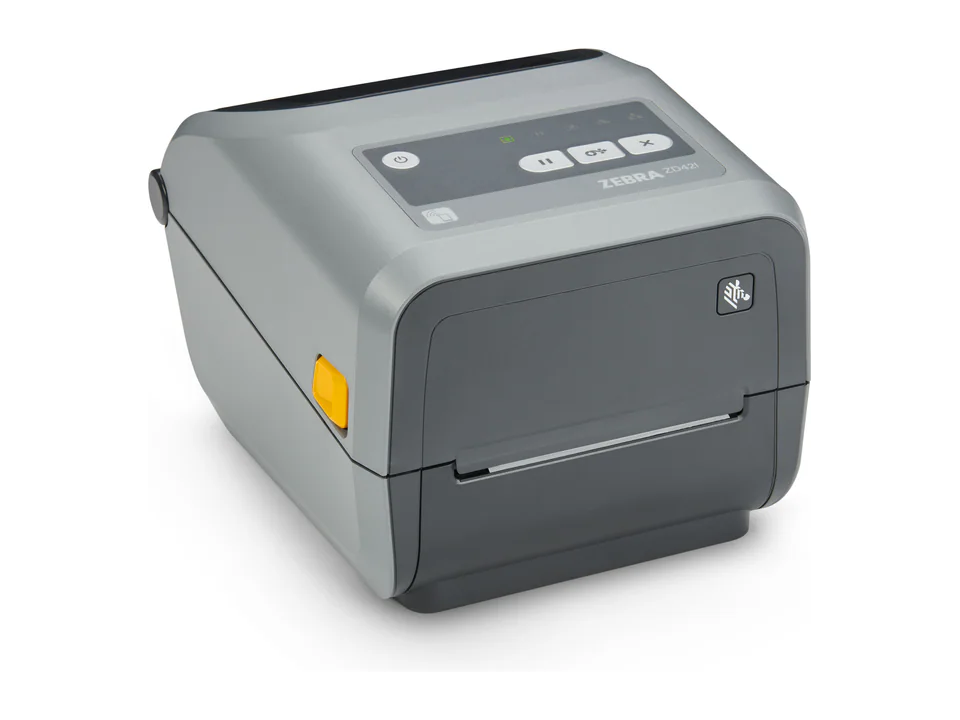
A GK420d commonly leads to a ZD421d assessment, while a GK420t points toward ZD421t, subject to the actual application.
Check media and interfaces
Dimensions, cores, ribbons, resolution and existing connections should be recorded before any changeover.
Test software and templates
Drivers, printer language, templates and application settings should be tested on a pilot workstation before wider deployment.
Points to validate
- Match direct thermal or thermal transfer method
- Audit consumables, interfaces and accessories
- Pilot label templates before wider rollout
Frequently asked questions
Does ZD421 directly replace every GK420?
It is a common replacement path, but variant, resolution, interfaces and media still need to be verified.
Will existing labels remain compatible?
That depends on dimensions, material, core and print method. Validation with actual consumables is recommended.